Feedback Inbox
Collect raw feedback, reply to submitters, and convert the best ideas into feature requests
The Feedback Inbox is an admin-only area for collecting and acting on raw customer feedback before it becomes a feature request. It keeps the original submission intact while you decide what to do with it.
The whole flow in 44 seconds — raw feedback arrives, the AI drafts a clean request, you convert it:
Add Feedback
- Go to Feedback Inbox and click Add Feedback.
- (Optional) Add customer details (name and email).
- Enter feedback text, or leave it blank if you only have screenshots.
- Add screenshots (images only).
- Click Create Feedback.
AI Draft from Screenshots (Optional)
If you attached screenshots, you can draft the feedback text with AI:
- Expand AI Draft Assistant.
- (Optional) Add guidance or specify a language.
- Click Generate draft.
- Review the suggestion, then Accept or Dismiss.
This only drafts the feedback text — it does not auto-save.
Review Feedback
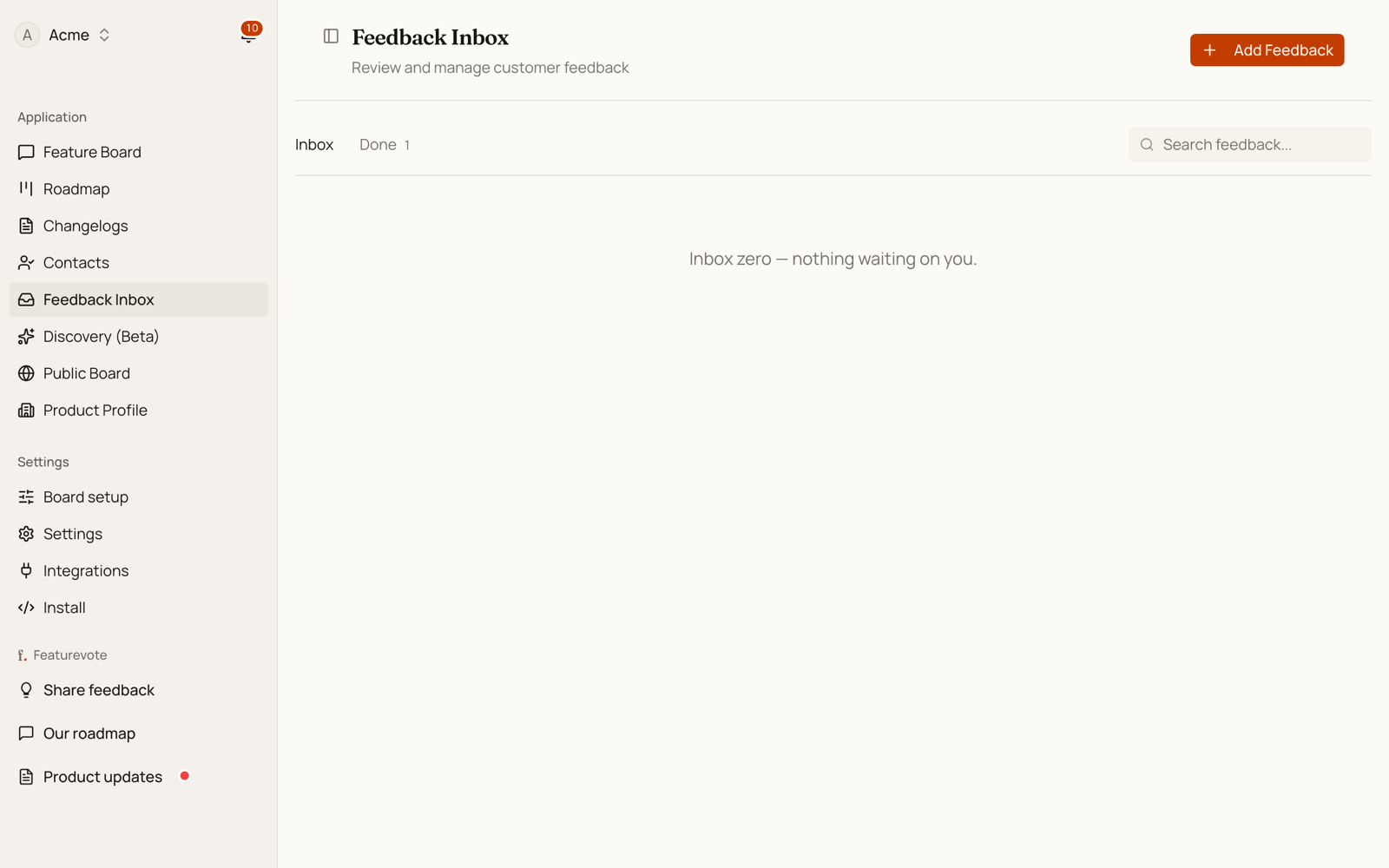
Click any item in the list to expand it. You can read the full feedback text, see how many replies have been sent, and access all actions from one place.
Reply to Submitters
You can reply directly to the person who submitted feedback if they provided an email address.
- Expand a feedback item and click Reply.
- (Optional) Add a subject.
- Write your reply, or use Suggest reply to draft one with AI:
- Type a short prompt in the guidance field (e.g. fixed in latest release).
- Click Suggest reply — AI will draft a message based on the original feedback and your prompt.
- Review and edit before sending.
- Click Send reply.
Reply history is shown inline when you expand the item — you can see what was sent without opening the reply sheet.
Convert to Feature
- Expand a feedback item and click Convert to Feature.
- (Optional) Use AI to draft a feature title and description from the feedback.
- Review and edit.
- Click Create Feature Request.
When you convert:
- A new feature request is created on your board.
- The feedback is marked Converted.
- The feedback stays linked to the created feature — click Open feature to jump to it.
Feedback Statuses
- New: Unreviewed feedback
- Reviewed: Acknowledged, not yet converted
- Converted: Linked to a feature request
- Archived: No longer actionable