Writing Changelogs
How to write clear, trustworthy changelogs and use FeatureVote’s AI to enhance them
A changelog is more than a list of shipped features.
When done well, it builds trust, closes the feedback loop, and helps users understand not just what changed — but why it matters.
Here's the full loop in 38 seconds — mark a request Done, notify the voters, and publish an AI-drafted changelog:
This guide explains:
- What makes a good changelog
- What to think about when writing one
- How to use FeatureVote’s AI to enhance your changelog entries
What a Changelog Is (and Isn’t)
A changelog is a clear, honest record of what changed in your product.
A changelog is not:
- A place for marketing language or hype
- A sales message focused on persuasion rather than clarity
- A technical commit log
- A list of every internal change
Your goal is clear, honest communication — not promotion or completeness.
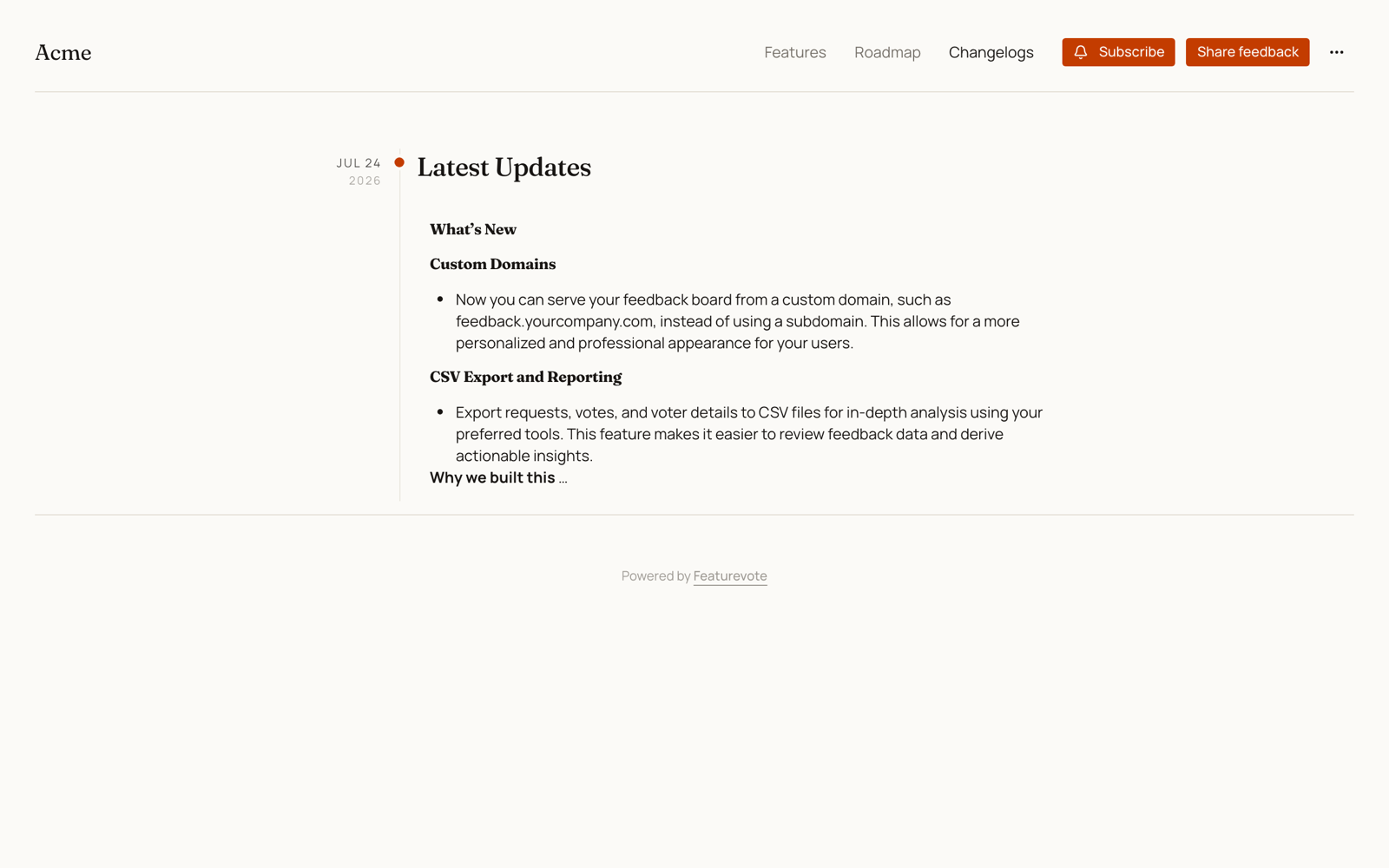
What to Include in a Changelog Entry
When creating a changelog entry in FeatureVote, focus on three things.
1. What changed
Describe the change in plain language.
Good:
Export lists and tasks to CSV or Google Sheets
Less helpful:
Added export functionality with metadata support
2. Why it matters to the user
Explain the impact, not the implementation.
Examples:
- Saves time
- Reduces manual work
- Improves clarity
- Makes reporting easier
If a user asks, “Why should I care?”, the changelog should answer that.
3. (Optional) Why the change was made
When relevant, sharing why you built something builds trust.
Keep this short and factual. One or two sentences is often enough.
Example:
We noticed many teams weren’t asking for exports to move data around, but to create reliable weekly status reports without manual cleanup.
Using AI to Enhance Your Changelog
FeatureVote includes AI tools to help you turn rough notes into clear, customer‑facing changelog entries.
How It Works
Write your changelog content in plain language. Click Enhance with AI and it will:
- Organize your notes into clear sections
- Add professional phrasing
- Maintain a consistent tone
- Keep your original meaning intact
The AI doesn't invent features. It just makes your writing clearer.
Email Customization
After enhancing the changelog, you can customize the email announcement. AI helps here too, adapting the tone for email while keeping it brief.
When to Use It
AI works best when you:
- Have shipped features but struggle to explain them clearly
- Want consistency across all your changelogs
- Have technical notes that need user-friendly language
- Are writing in a second language and want polish
Start with bullet points about what changed. AI handles the rest.
You stay in control — the AI assists, it doesn't replace your judgment.
When Not to Use AI
Avoid using AI to:
- Invent motivations or strategy
- Add hype or marketing language
- Explain decisions you’re not comfortable sharing publicly
If something shouldn’t be public, keep it internal or mark the feature as invisible.
Final Tip
Write changelogs for someone reading them months later, without full context.
If the change still makes sense to them, you’ve written a good one.